★ COMPLETE GUIDE · OCTOBER 2026
NSFW AI Art: Complete Guide to AI-Generated Adult Art
NSFW AI art has exploded in quality over the past year, and the tools available in 2026 can produce photorealistic or stylized adult images that were unimaginable even 18 months ago. This guide covers how AI art generation actually works, ranks the best generators by output quality, and walks you through the techniques that separate amateur-looking results from genuinely impressive ones.
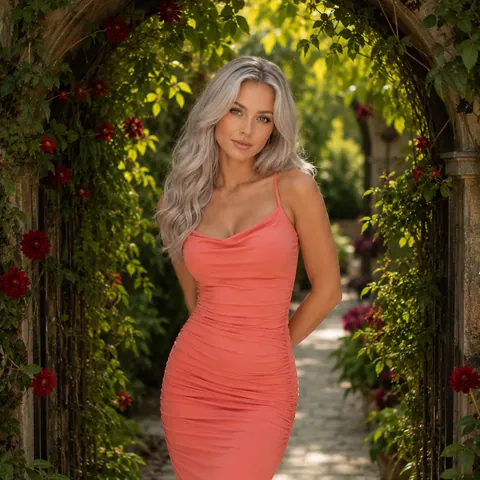
The short version: For the best overall NSFW AI art experience, Candy AI leads in photorealistic quality while Dream GF excels at anime styles. GoLove offers the most generous free tier. If you want full prompt control, check our best NSFW AI art generators ranking.
What is NSFW AI art
NSFW AI art refers to adult-oriented images created using artificial intelligence rather than hand-drawn by human artists. These tools use machine learning models — primarily diffusion models and GANs — trained on millions of images to generate new visuals from text descriptions called prompts.
The category spans everything from photorealistic portraits to anime-style illustrations, fantasy scenes, and stylized digital paintings. What separates modern NSFW AI art from the blurry, distorted outputs of 2023 is the sheer anatomical accuracy and artistic coherence of current models.
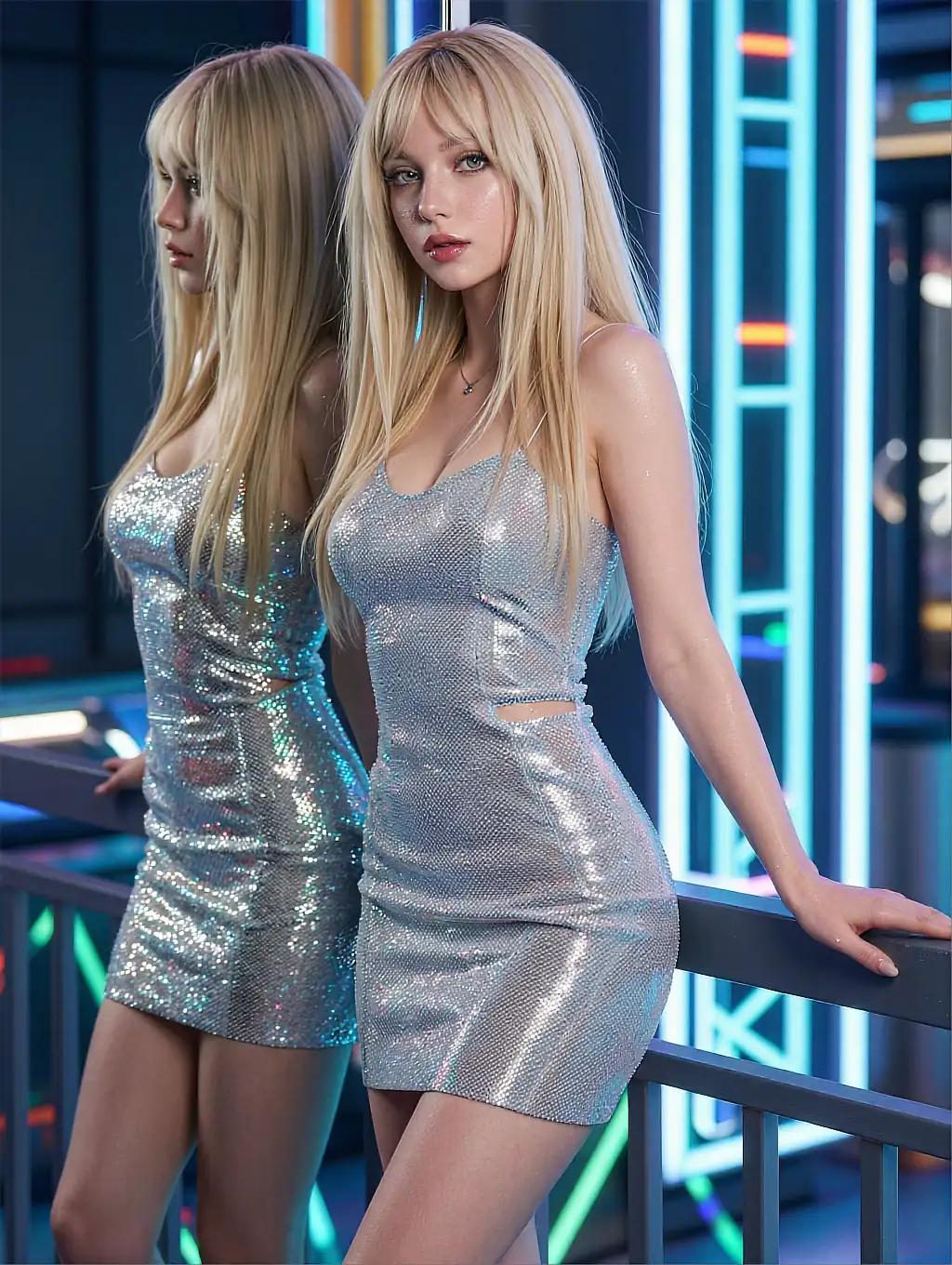
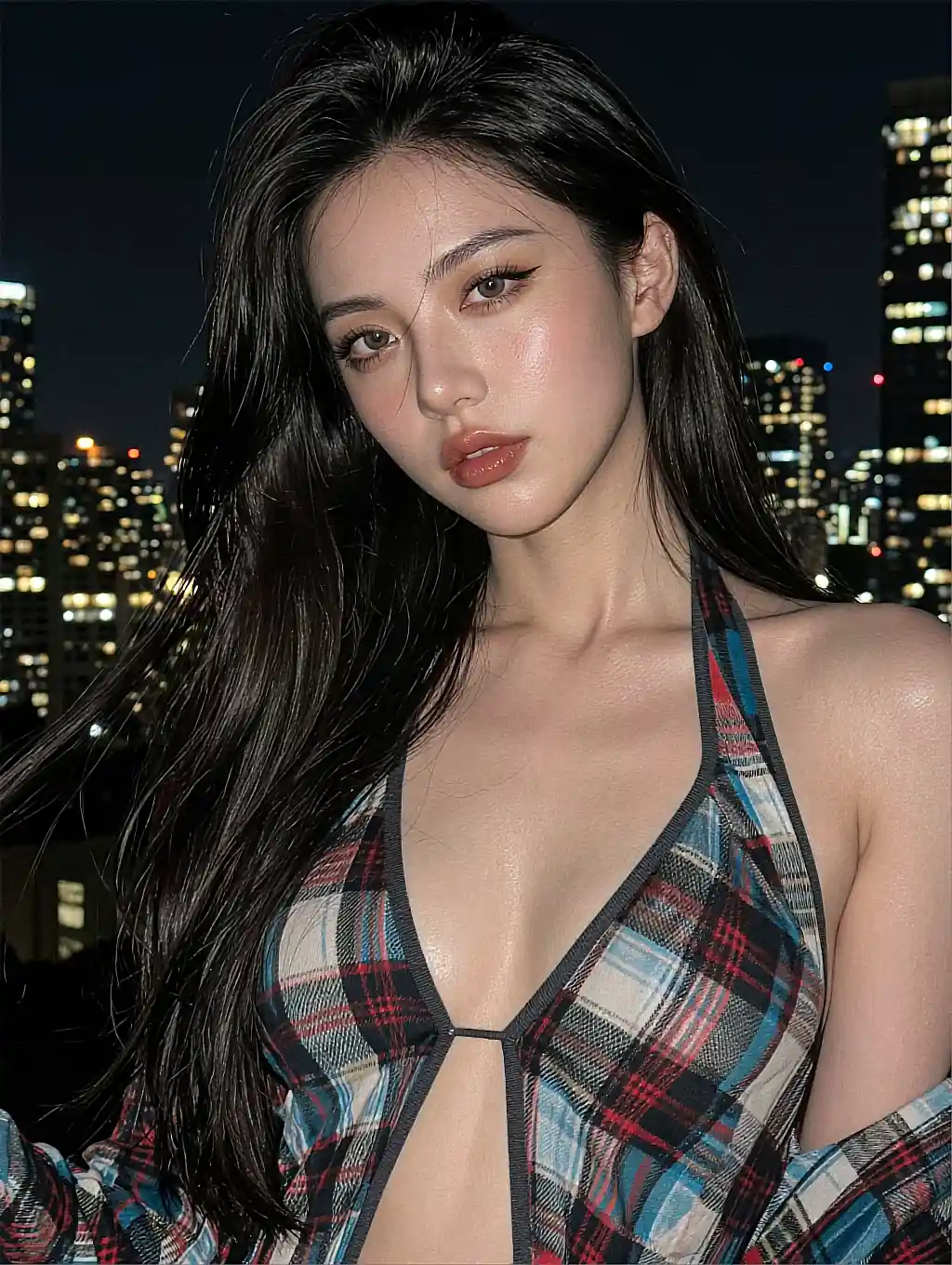
Hands that actually have five fingers. Faces that look like real people rather than uncanny valley nightmares. Lighting that follows physical rules. Skin that shows pores, veins, and subtle color variation instead of the waxy plastic look that plagued earlier generators.
Three types of NSFW AI art platforms
The market has split into three distinct camps, each suited to different needs.
Prompt-based generators let you type a description and the AI creates an image from scratch. These give you maximum creative control but require learning prompt engineering. You describe every element — subject, lighting, pose, style — and the AI interprets it.
Character-based platforms let you customize an AI companion and generate images within that character's context. These are easier to use because the platform handles consistency. You focus on the scenario, not the technical parameters.
Hybrid platforms combine both approaches. You chat with an AI character, build a relationship, and generate images as part of the conversation. Platforms like Candy AI and GoLove are leading this convergence, and it's becoming the most popular way to interact with NSFW AI art.
How accessible is it now?
The technology has become significantly more accessible. Two years ago, creating high-quality NSFW AI art required running Stable Diffusion locally with specific checkpoints and technical knowledge. You needed a powerful GPU, familiarity with Python, and patience to debug configuration issues.
Today, web-based platforms handle all the complexity. You type what you want, and the image appears in seconds. The barrier to entry is zero — but the gap between mediocre and excellent results is still enormous. That gap is what this guide addresses.
Key takeaway:
The tools are easy to access. Making them produce great results takes technique. A five-word prompt and a fifty-word prompt with the right structure will produce radically different outputs on the same platform.
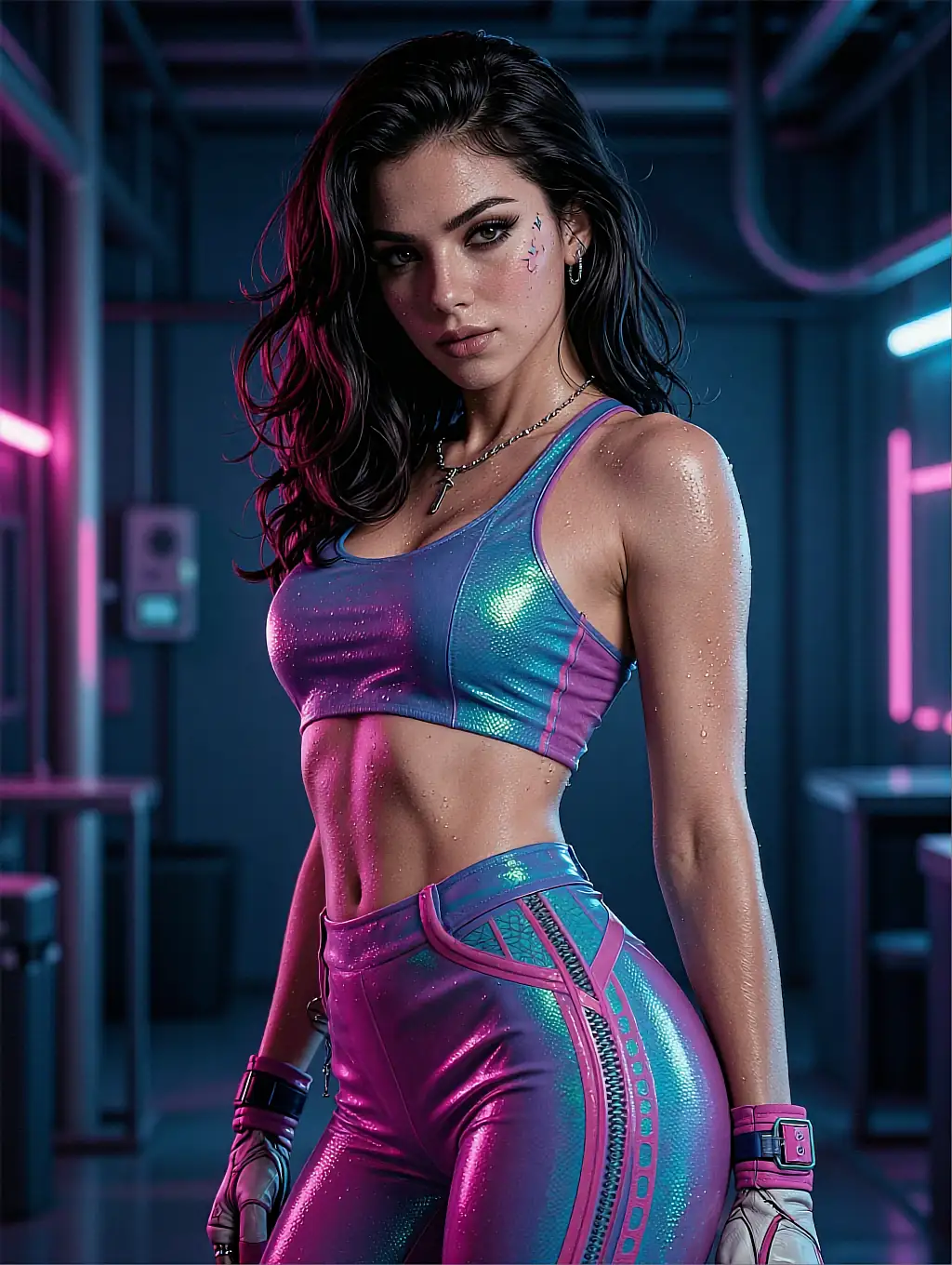
How AI art generation works
Understanding the technology behind NSFW AI art helps you write better prompts and troubleshoot when outputs don't match expectations. You don't need to be a machine learning engineer, but knowing the basics makes a measurable difference in your results.
Diffusion models explained simply
Diffusion models — the engine behind most generators — work by learning to reverse noise. During training, the model sees millions of images progressively destroyed by random noise. It learns to predict and reverse each step of that destruction.
When you generate an image, the process runs in reverse. It starts from pure static noise and iteratively cleans it up, guided by your text prompt, until a coherent image emerges. Each "step" of the process refines the image a little more.
How your prompt becomes an image
Your text prompt gets converted into a mathematical representation by a text encoder (typically CLIP). This numerical "meaning" steers the denoising process. That's why word choice matters so much — the model isn't reading your prompt like a human would.
It's mapping words to learned visual associations built during training. This is why "beautiful woman" produces different results than "stunning woman" — the model has learned different visual patterns for each word from millions of captioned images.
Understanding this principle is the key to prompt engineering. You're not writing instructions for a human artist. You're selecting visual concepts from the model's trained memory and combining them.
Key parameters that affect output
- Steps (20-50): How many denoising iterations the model performs. More steps mean more detail, but with diminishing returns past 40. Too many steps can actually degrade quality by over-processing. Sweet spot: 30-40 for photorealistic, 25-35 for anime.
- CFG Scale (5-12): How strictly the output follows your text prompt. A CFG of 7 gives natural-looking results with moderate prompt adherence. Push it to 10-12 and images look sharper but can become oversaturated. Below 5 the AI mostly ignores your directions.
- Seed: The random starting point for generation. Same seed plus same prompt equals same image every time. Incredibly useful for iterating — find a seed that produces good composition, lock it, and tweak other parameters.
- Sampler: The algorithm used for denoising. Euler, DPM++, and DDIM are common options. Each produces subtly different results. DPM++ 2M Karras is generally the best default for photorealistic NSFW content.
- Model/Checkpoint: The specific trained weights. Photorealistic models, anime models, and stylized models produce radically different aesthetics from identical prompts. This is the single biggest factor in your output's overall look.
Pro tip:
Most hosted platforms hide these parameters behind simple "style" dropdowns and quality sliders. That's fine for starting out. But if you want maximum control, choose a platform like PromptChan that exposes the raw settings, or run Stable Diffusion locally.
Platforms like Candy AI and Dream GF abstract most of these settings behind simple UI controls — you pick a style, type a prompt, and the platform handles the technical tuning. Advanced platforms like PromptChan expose all parameters for manual control.
Best NSFW AI art generators ranked
After testing 12 platforms over 200+ hours and generating thousands of images, here's how the top NSFW AI art generators stack up in late 2026. Rankings are based on output quality, anatomical accuracy, consistency, variety of styles, pricing, and user experience.
1. Candy AI — Best for photorealism (9.2/10)
Candy AI's image generation is simply the most photorealistic in the market right now. Their proprietary fine-tuned models produce skin textures, lighting, and anatomical accuracy that other platforms can't match.
Faces are consistent and expressive. Body proportions are natural rather than exaggerated. The lighting engine understands how light wraps around curved surfaces, creating realistic shadows and highlights that give images genuine depth.
- Pricing: $16.99/month for 500 generations. Free tier limited to 5 images.
- Strengths: Best photorealism, excellent face detail, natural skin textures, good img2img mode.
- Weaknesses: Expensive per-image cost, anime mode is mediocre, limited free tier.
Read our full Candy AI review for detailed testing results and how it compares to Dream GF.
2. GoLove — Best free tier and best hybrid (9.5/10 overall)
While GoLove's primary strength is AI chat, their image generation has improved dramatically through 2026. The free tier includes 15 daily image credits — more than any competitor.
Quality sits slightly below Candy AI for photorealism but the character integration is unmatched: images are contextual to your conversation, maintaining character consistency automatically. You don't need to re-describe your character in every prompt.
- Pricing: Free tier with 15 daily images. Premium at $12.99/month for unlimited.
- Strengths: Best free tier, seamless chat-to-image, automatic character consistency, great UX.
- Weaknesses: Photorealism slightly below Candy AI, fewer manual controls.
GoLove is the platform to start with if you're exploring NSFW AI art for the first time. See our GoLove review.
3. Dream GF — Best for anime (8.8/10)
Dream GF owns the anime and hentai space. Their anime-specific models produce consistent, high-quality art with proper stylistic conventions — accurate cel shading, vibrant color palettes, and the exaggerated proportions that define the genre.
The platform also supports photorealistic generation, though it's a clear step behind Candy AI in that department. The interface is well-designed with a gallery system for organizing your creations.
- Pricing: $12.99/month for unlimited generations. Limited free tier.
- Strengths: Best anime quality, strong style variety, unlimited generations on paid plans, good gallery.
- Weaknesses: Photorealism lags behind Candy AI, occasional anatomy issues in complex poses.
Check our Dream GF review for the full breakdown.
4. PromptChan — Best for prompt control
PromptChan gives you raw access to model parameters that other platforms hide. Negative prompts, sampler selection, CFG adjustment, LoRA weight tuning — if you know your way around Stable Diffusion's parameters, this is the most powerful web-based option.
The learning curve is steep but the ceiling is higher than any other hosted platform. The community aspect is also strong: shared prompt libraries, public galleries (with consent), and discussion forums where power users share techniques.
- Pricing: Free tier with watermarks. $13.99/month for premium.
- Strengths: Maximum control, LoRA support, community prompts, no black-box tuning.
- Weaknesses: Steep learning curve, UI feels technical, inconsistent output for beginners.
5. SoulGen — Best for face accuracy
SoulGen's face generation is remarkably consistent and detailed. If your priority is creating a specific look or maintaining character consistency across multiple images, SoulGen handles it better than most competitors. Their face-locking technology is the best in the industry.
- Pricing: $9.99/month for standard. $19.99/month for premium with face-lock.
- Strengths: Best face consistency, good for character series, face-lock feature, reasonable pricing.
- Weaknesses: Body rendering less refined than Candy AI, limited style variety.
What to expect at each price point
- Free ($0): 5-15 images/day with watermarks or lower resolution. Good for testing platforms. GoLove's free tier is the most usable.
- Budget ($10-13/month): 100-unlimited images, standard resolution, basic style selection. Dream GF and SoulGen sit here.
- Mid-range ($14-17/month): 200-500 high-quality images, better resolution, more styles and controls. Candy AI and PromptChan premium.
- Premium ($20-30/month): Unlimited high-res, face-lock, priority generation, advanced features. SoulGen premium tier.
For the complete breakdown with sample comparisons, see our best NSFW AI art generators list and best for image generation ranking.
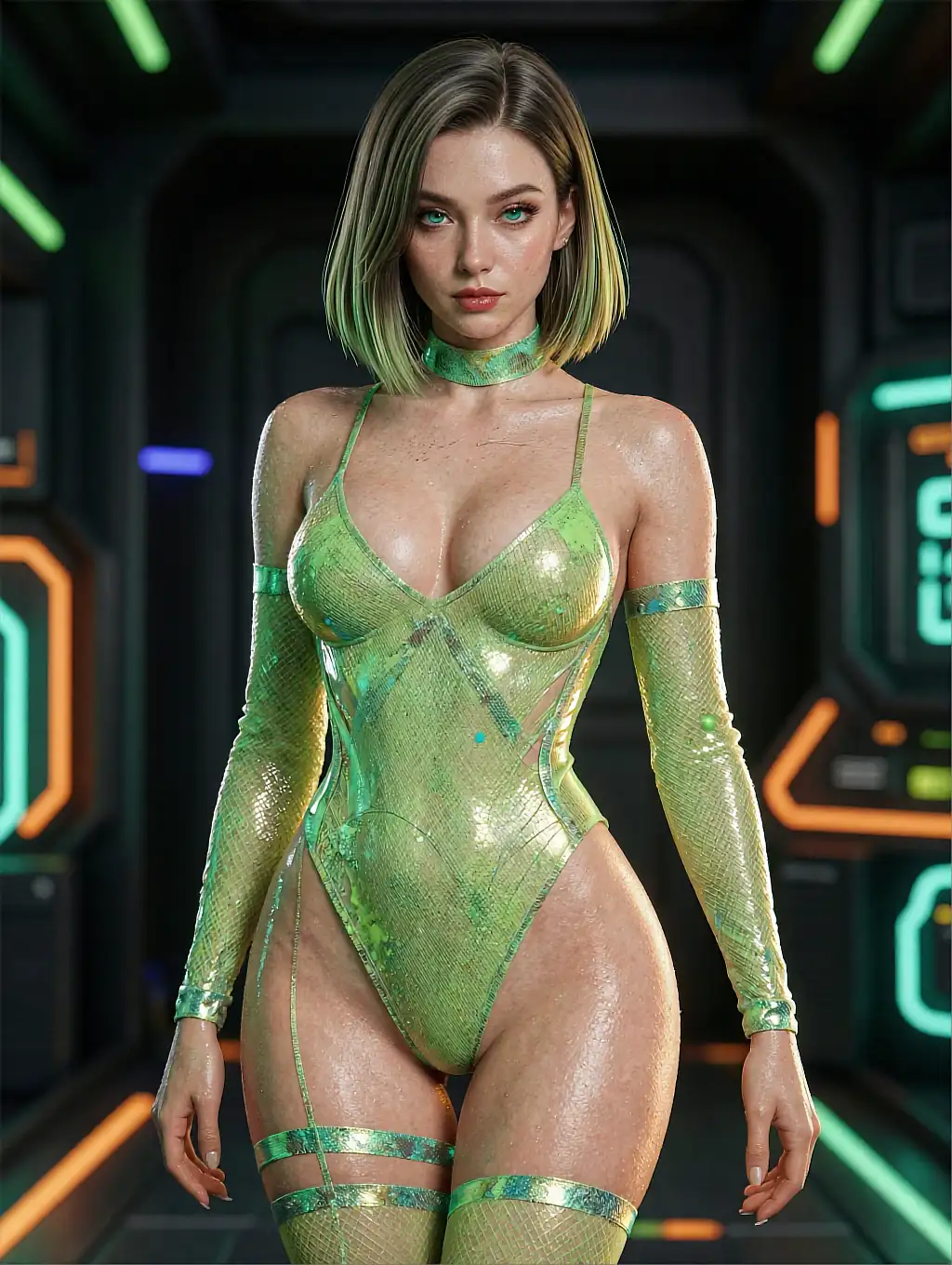
Styles and techniques
The style you choose fundamentally shapes your results. Each style demands a different prompting approach, different model checkpoints, and different parameter settings. Here are the major categories and what each requires.
Photorealistic
The gold standard for lifelike output. Requires precise prompts about lighting (studio, natural, dramatic), skin tone, hair texture, body type, and environment.
Photorealism is the most demanding style because any imperfection is immediately noticeable — a slightly wrong shadow, unnatural skin smoothing, or a misplaced reflection breaks the illusion completely. You need the right model, the right parameters, and a detailed prompt to pull it off consistently.
Best generators: Candy AI, GoLove.
Key prompt terms: "photorealistic," "RAW photo," "natural skin texture," "subsurface scattering," "85mm lens," "shallow depth of field," "natural pores," "film grain." Avoid over-smoothing by including "detailed skin" and "natural imperfections."
Anime / Hentai
Stylized with exaggerated proportions and flat shading characteristic of Japanese animation. Works best with anime-specific model checkpoints — using a photorealistic model to generate anime content gives you an awkward hybrid that satisfies neither style.
Anime generation is more forgiving of prompt imprecision because the style inherently abstracts reality. Colors can be vibrant, proportions can be exaggerated, and backgrounds can be simplified without looking "wrong."
Best generators: Dream GF, PromptChan.
Key prompt terms: "anime style," "cel shading," "vibrant colors," "manga aesthetic," "clean lineart," "flat color." Sub-styles include chibi, mature manga, and semi-realistic anime — each needs different model weights.
Digital painting
Sits between photorealism and illustration — painterly textures with realistic proportions. Excellent for fantasy and sci-fi themes where you want artistic expression without full abstraction.
This style is particularly good for dramatic compositions because brush strokes and color choices add emotional weight that photorealism can't match. A digital painting of a scene can feel more intense than a photo-realistic render of the same concept.
Key prompt terms: "digital painting," "artstation," "concept art," "oil painting texture," "brush strokes visible," "dramatic composition," "rich color palette."
Fantasy / Dark fantasy
Dramatic lighting, elaborate costumes, magical elements, otherworldly settings. The most forgiving style for beginners because imperfections in anatomy or rendering often read as artistic choices rather than errors.
Fantasy themes also allow for creative liberties with proportions and physics that would look wrong in photorealistic contexts. A character can glow, float, or have impossible hair — and it works.
Key prompt terms: "dark fantasy," "volumetric lighting," "dramatic shadows," "ethereal glow," "cinematic composition," "rim lighting," "mist," "ornate details."
Pin-up / Retro
Classic 1950s aesthetics with modern AI precision. Works surprisingly well with current models because the training data includes extensive vintage illustration archives.
The simplified anatomy and exaggerated poses of pin-up art align well with AI generation strengths. This is a great style for beginners who want impressive results without technical expertise.
Key prompt terms: "pin-up style," "retro," "vintage illustration," "Gil Elvgren style," "warm color palette," "painted background," "classic pose."
3D render
Mimics CGI and video game aesthetics. Clean, sharp, with defined surfaces and studio-like lighting. Popular for creating character designs that look like they belong in a modern game.
The AI excels here because 3D renders are inherently "perfect" — there's no organic imperfection to simulate. Smooth surfaces, precise lighting, and clean edges are exactly what these models produce naturally.
Key prompt terms: "3D render," "octane render," "unreal engine," "subsurface scattering," "ray tracing," "ambient occlusion," "smooth surfaces."
Style mixing tip:
You can blend styles by weighting terms. "Semi-realistic anime, soft lighting, painted texture" creates a hybrid between anime and digital painting. Experiment with combinations — some of the most striking NSFW AI art comes from unexpected style blends.
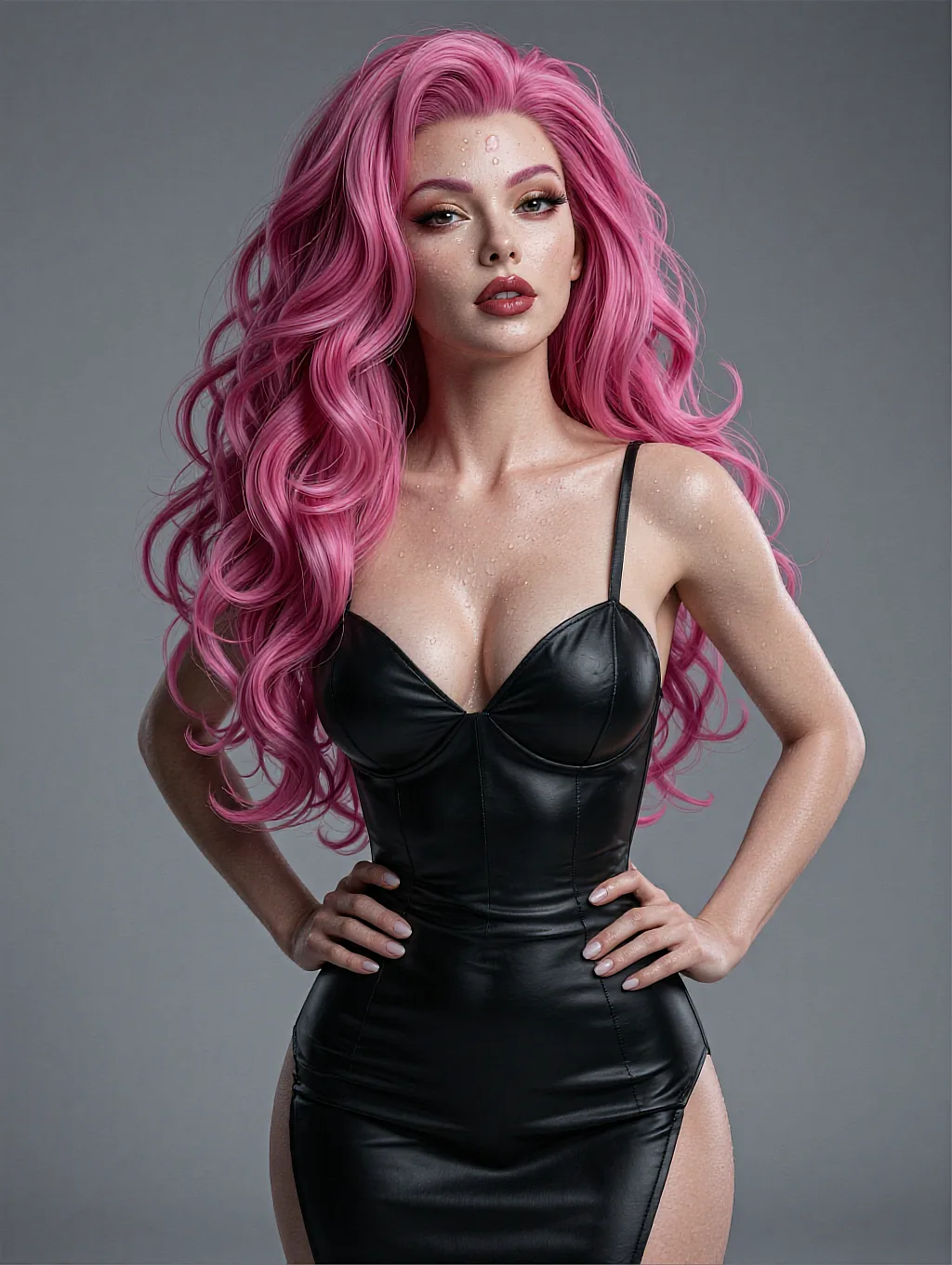
Creating your own NSFW AI art
Here's a practical step-by-step workflow for creating high-quality NSFW AI art, whether you're using a hosted platform or running models locally. Follow this process and you'll produce better results than 90% of users on your first day.
Step 1: Choose your platform
If you want ease of use, go with Candy AI or GoLove. If you want maximum control and don't mind a learning curve, look at PromptChan or run Stable Diffusion locally with ComfyUI.
For anime, start with Dream GF. Don't try to force a platform into a style it wasn't built for — a photorealism platform will produce mediocre anime, and vice versa. Match the tool to the output you want.
Step 2: Structure your prompt
Follow this template for consistent results:
[Quality tags] + [Subject] + [Pose/Action] + [Setting] + [Lighting] + [Art Style] + [Camera/Technical]
Example prompt: "masterpiece, best quality, 1woman, confident expression, auburn hair flowing over shoulders, standing by floor-to-ceiling windows, luxury penthouse at sunset, warm golden hour lighting, soft shadows, photorealistic, 85mm portrait lens, shallow depth of field, detailed skin texture."
Note how each element adds a distinct visual instruction. The model processes these as separate concepts that it combines into the final image. Ordering matters — elements earlier in the prompt carry more weight with most encoders.
Step 3: Use negative prompts
Equally important is telling the AI what to avoid. Negative prompts exclude unwanted elements from generation.
Standard negative prompt template: "deformed hands, extra fingers, blurry, low quality, watermark, text, distorted anatomy, cross-eyed, bad proportions, disfigured, poorly drawn face, mutated, ugly, worst quality, jpeg artifacts, low resolution."
Most platforms have built-in negative prompt presets. Start with those and add specific exclusions based on issues you encounter. If your outputs keep showing tattoos you don't want, add "tattoo" to negatives. If backgrounds are too cluttered, add "busy background, cluttered."
Step 4: Iterate with seeds
When you get an output you like but want to refine, lock the seed number and adjust other parameters. Change the lighting description. Modify the pose slightly. Adjust the CFG scale up or down by one point.
This is how professionals build a series of consistent, high-quality images from a single concept. Each iteration teaches you what each parameter actually does in practice — not in theory.
Step 5: Upscale and refine
Generate at standard resolution first (512x768 or 768x1024), select your best outputs, then use the platform's upscaler or an external tool like Real-ESRGAN for final high-resolution versions.
This is faster and significantly cheaper than generating at maximum resolution every time, because most of your generations will be experiments you discard. Think of standard resolution as your sketch phase and upscaling as your final render.
Step 6: Post-processing (optional)
For truly polished results, consider light post-processing. Tools like Photopea (free, browser-based) can fix minor imperfections, adjust color balance, or crop for better composition.
Even a simple contrast adjustment can elevate a good AI generation to an excellent one. This step separates casual users from people who produce gallery-quality output. You don't need Photoshop skills — basic adjustments to brightness, contrast, and saturation make a noticeable difference.
Workflow summary:
Choose platform → write structured prompt → add negative prompts → generate batch of 4-8 → pick best → lock seed → iterate 2-3 times → upscale winner → optional post-process. Total time for a polished image: 10-15 minutes once you have the workflow down.
Ethics and legal considerations
NSFW AI art operates in a rapidly evolving legal landscape. Here's what you need to know in 2026 to stay on the right side of both the law and ethical best practices.
What's generally legal
- Creating AI art of entirely fictional characters for personal use
- Using commercially licensed generators for personal projects where the platform's TOS permits it
- Sharing AI-generated art on platforms that allow adult content, with appropriate AI disclosure
- Selling AI-generated art where the platform license explicitly allows commercial use
What's illegal or high-risk
- Creating deepfakes of real people without explicit consent — illegal in most US states, the entire EU, UK, Canada, and Australia
- Generating content depicting minors in any sexual context — universally illegal, aggressively prosecuted
- Using AI art for fraud, blackmail, revenge, or non-consensual distribution
- Replicating specific copyrighted characters for commercial distribution without license
- Misrepresenting AI-generated images as photographs of real people in commercial contexts
The gray areas
Copyright of AI-generated images remains legally contested. In the US, the Copyright Office has ruled that AI-generated images without significant human creative input cannot be copyrighted. This means anyone can theoretically copy and reuse your AI generations.
Some platforms claim ownership of images generated through their service. Others grant full rights to the user. Read the TOS carefully if commercial use matters to you — the difference between platforms is significant.
Best practices for responsible use
Always label AI-generated content as such when sharing publicly. Respect platform terms of service — getting banned means losing your saved characters and generation history.
Store generated content privately and securely. Never use reference images of real people as inputs to NSFW generators. The major platforms reviewed on this site all have built-in safety systems that prevent the most harmful use cases, but ultimately responsibility sits with the user.
Tips for better results
After generating thousands of images across every major platform, these are the techniques that consistently produce the best NSFW AI art. These aren't theoretical — they're the product of extensive hands-on testing.
Lighting is everything
Be specific about lighting. "Good lighting" means nothing to an AI. "Soft diffused window light from the left side, warm color temperature, subtle rim light from behind" gives you dramatically better results.
Lighting is the single biggest quality differentiator in photorealistic generations. A mediocre pose with excellent lighting looks better than a perfect pose with flat lighting. Spend more time on your lighting description than on any other element.
Positive over negative
Describe what you want, not what you don't want. Put positive descriptions in your main prompt and save exclusions for the negative prompt field.
"Beautiful clear skin" works better than trying to negate blemishes. The model generates based on concepts present in the prompt — mentioning unwanted things can actually cause them to appear, because the model activates those visual associations.
Prompt structure matters
Front-load important details. Most text encoders weight the beginning of your prompt more heavily than the end. Put your most critical descriptors first — subject, then style, then details, then quality tags.
Match aspect ratio to composition. Portrait shots work best at 2:3 or 3:4 vertical. Full body shots need more vertical space — try 9:16. Landscape scenes work at 16:9 horizontal. A 1:1 square usually wastes space or crops awkwardly.
Working with references
Use reference images when available. Platforms like Candy AI support img2img workflows where you upload a reference. This is vastly more effective than trying to describe exactly what you want in words alone.
A reference image plus a simple prompt produces better results than an elaborate prompt alone. The visual input gives the model composition, color palette, and spatial information that words can't fully capture.
Batch and iterate
Generate in batches. Create 4-8 images per prompt and select the best. AI generation has inherent randomness, and the difference between good and great often comes down to a lucky seed.
Professionals don't use their first generation. They pick from a batch and iterate on the strongest result. Budget your credits for exploration, not single shots.
Learn from others
Study successful prompts. Sites like CivitAI have massive prompt databases. Studying prompts that produced great results teaches you which words and structures work best with specific models.
Don't copy prompts blindly — understand why each element is there and adapt the structure to your own concepts. The goal is to learn the patterns, not memorize specific prompts.
Common mistakes to avoid
- Over-prompting: A focused prompt with 20-40 words usually outperforms a 100-word prompt. Competing directions produce confused output.
- Wrong model for the style: Using a photorealistic model for anime (or vice versa) produces awkward results. Match model to style.
- Ignoring negative prompts: Skipping negatives leads to watermarks, extra fingers, and quality issues that are easy to prevent.
- Always using the same seed: Varying seeds across a batch gives you more variety. Only lock a seed when you're iterating on a specific result.
- Generating at max resolution: It's slow and expensive. Generate at standard res, pick favorites, then upscale.
- Not experimenting with CFG: A CFG change from 7 to 8 can dramatically alter output quality. Test different values.
For tools that combine art generation with interactive AI companionship, see our NSFW AI generator guide and how NSFW AI works explainer.
Frequently asked questions
Is NSFW AI art legal to create?
In most jurisdictions, creating AI-generated adult art of fictional characters is legal for personal use. Generating deepfakes of real people without consent is illegal in most US states, the EU, UK, and many other countries. Content depicting minors is universally illegal and aggressively prosecuted. Always check your local laws and the platform's terms of service before creating and especially before distributing AI art. When in doubt, keep it fictional and keep it private.
What is the best free NSFW AI art generator?
GoLove offers the most generous free tier with 15 daily image credits and no watermarks, making it the best starting point. Candy AI provides limited free generations with higher quality output but caps you at 5 per day. PromptChan has a free tier with watermarked results that's good for learning prompt engineering. For a full comparison of free options, see our best NSFW AI art generators ranking.
How do I get more realistic NSFW AI art?
Use detailed prompts specifying lighting type and direction, camera angle and lens, skin texture details, body type, setting, and art style. Add negative prompts to exclude common defects like "deformed, blurry, extra fingers, bad anatomy." Choose photorealistic model checkpoints rather than anime or stylized ones. Higher step counts of 30-50 and CFG scales around 7-9 produce the most lifelike results. Candy AI currently produces the best photorealistic output among hosted platforms. Including terms like "subsurface scattering" and "natural skin pores" helps prevent the waxy look that plagues lower-quality generators.
Can AI art generators create anime-style NSFW content?
Yes, most generators support anime and hentai styles, and some specialize in it. Dream GF produces the best anime results with dedicated model checkpoints built specifically for this aesthetic. Candy AI and GoLove both offer anime modes, but they're secondary to their photorealistic strengths. The key is using a platform with anime-trained models — trying to get anime output from a photorealistic model by just adding "anime" to your prompt produces an awkward hybrid that looks like neither style. Proper anime art needs dedicated model weights.
How much does NSFW AI art generation cost?
Prices range from free (with limitations like watermarks or daily caps) to $30+/month for premium tiers. Most platforms charge $10-20/month for 100-500 generations. Specifically: Candy AI is $16.99/month for 500 images, Dream GF offers unlimited generations at $12.99/month, and GoLove's free tier includes 15 images daily without watermarks. Per-image pricing on some platforms runs $0.03-0.10 per generation. Annual plans typically save 30-40% compared to monthly billing. Start with free tiers to find the right platform before committing to a subscription.
What resolution can NSFW AI art reach?
Standard native generation outputs are 512x512 or 768x768 pixels — fine for screens but not for printing. Premium tiers on platforms like Candy AI and SoulGen offer up to 1024x1024 native resolution, which is sharp enough for most uses. Built-in upscalers can push final output to 2048x2048 or even 4K resolution. The best workflow is to generate at standard resolution for fast iteration, then upscale only your favorite outputs to maximum resolution. This saves both time and credits while ensuring your final images are as sharp as possible.
Something wrong in this guide?
Send corrections to contact@mr-pimp.com — we update within 24 hours.